


Your iPhone is now your Jet Bank card.
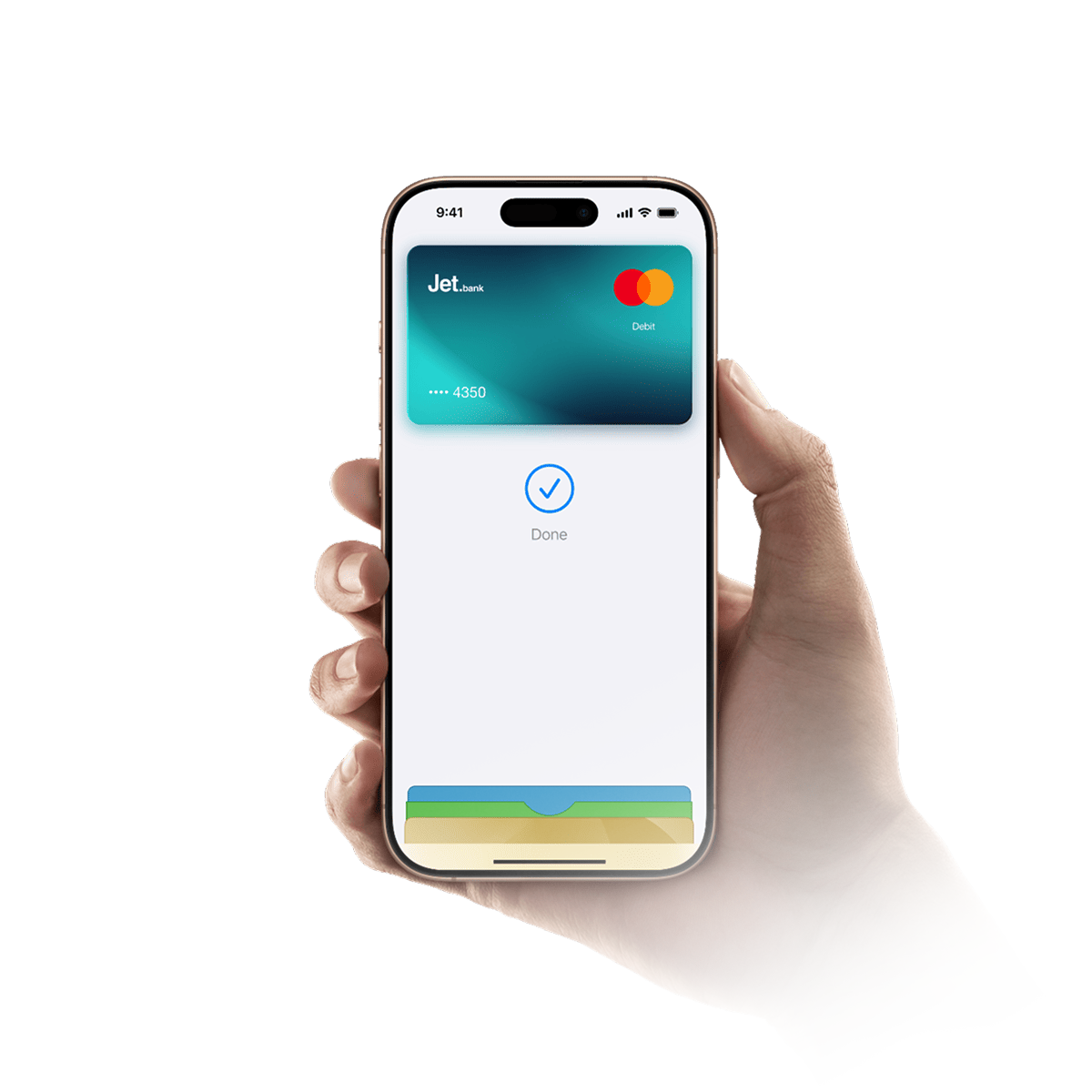
Pay with Apple Pay
Spend in seconds
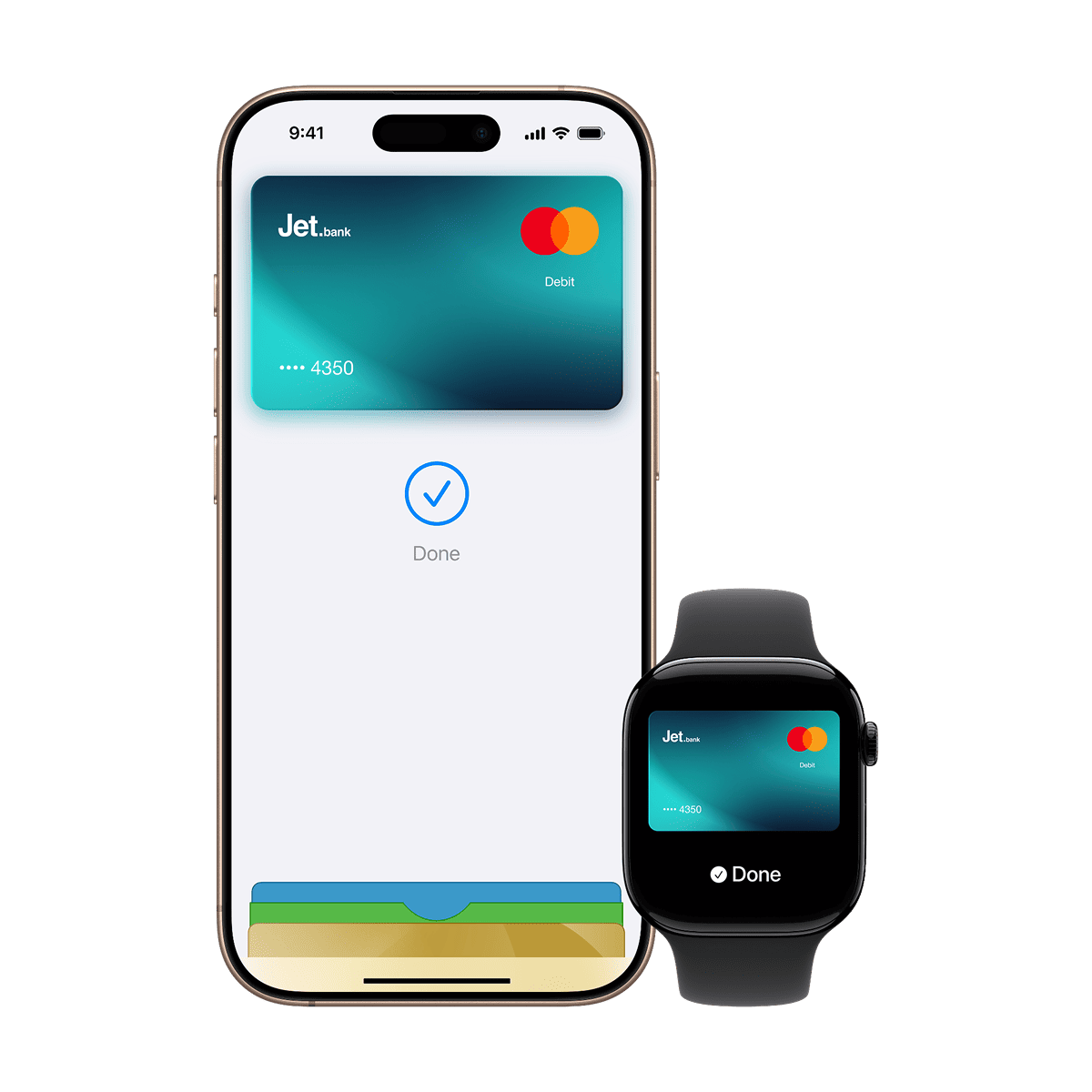
Pay with your iPhone or Apple Watch in just a few taps. No wallet needed.
Easy. Secure. Private.
Apple Pay uses built-in security features to keep your payments safe. Your card details aren't shared with merchants, and every payment is confirmed with Face ID, Touch ID, or your passcode.
Use it almost anywhere
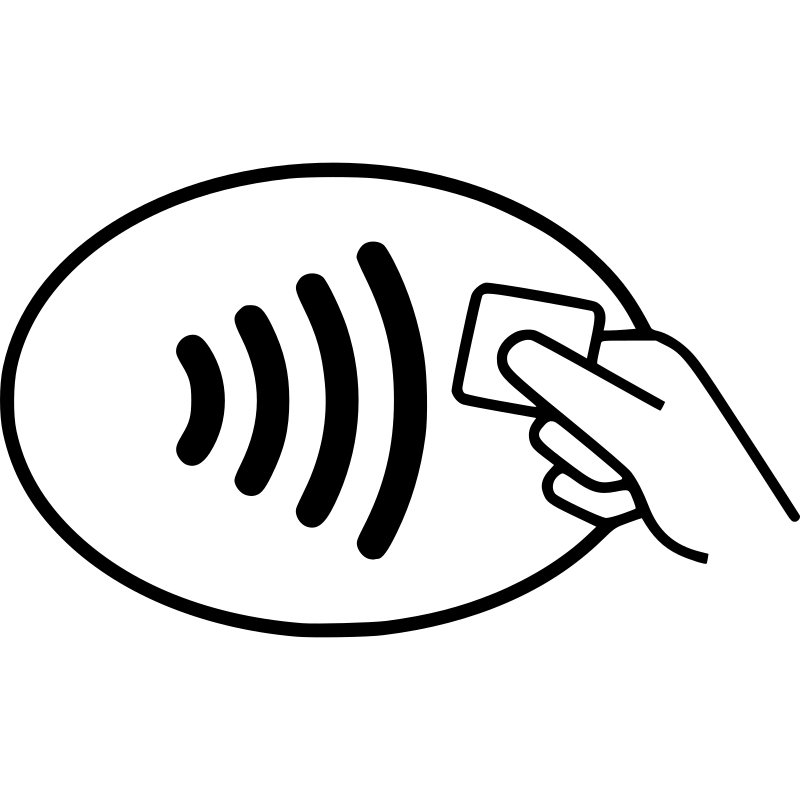
Pay wherever you see the Apple Pay or contactless symbol in stores, online, and in apps.
Use Apple Pay wherever you see one of these symbols.

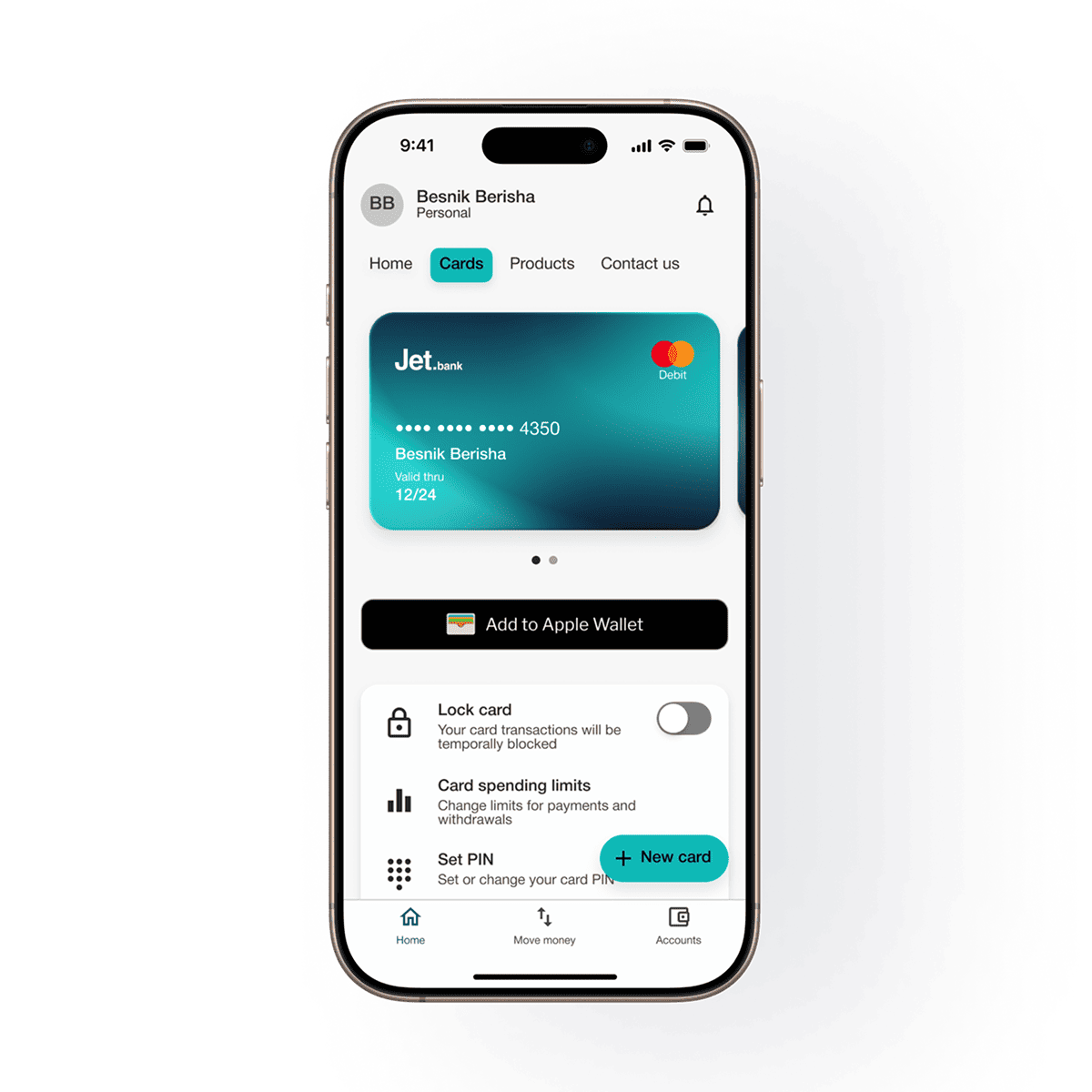
How to add your Jet.bank card
Add your card in seconds directly from the Jet.bank app or your iPhone.
From the Jet Bank App
- Go to Home.
- Select Cards.
- Choose your card.
- Tap "Add to Apple Wallet".
- Follow the on-screen instructions and accept the terms and conditions.
From Your iPhone
- Open the Wallet app.
- Tap the "+" button.
- Add your Jet Bank card.
- Follow the verification steps to complete the setup.
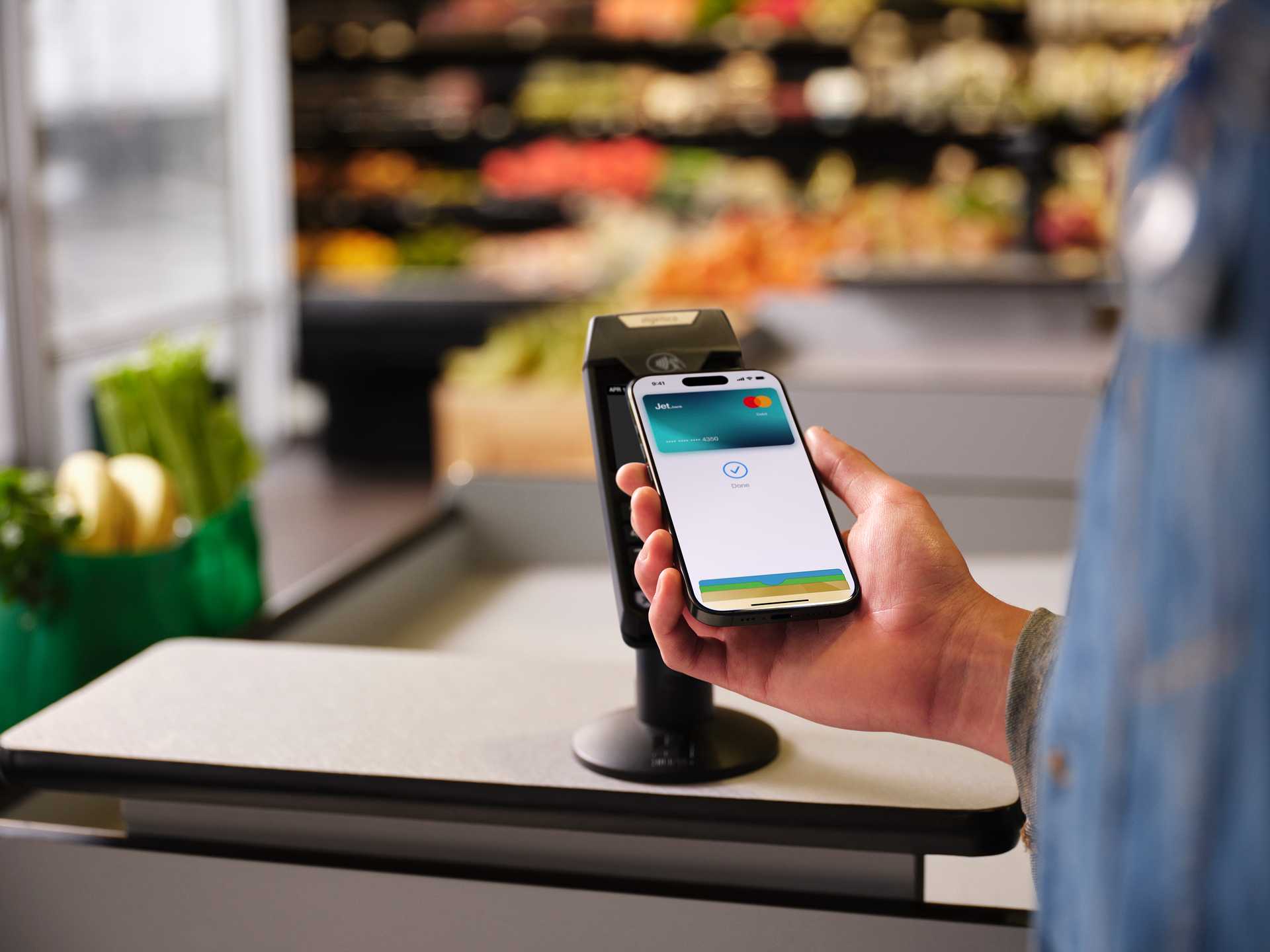
How to pay
In Store
Double-click the side button on your iPhone, authenticate with Face ID, Touch ID, or your passcode, then hold your device near the contactless payment terminal.
Online or In Apps
At checkout, select Apple Pay as your payment method and confirm your purchase using Face ID, Touch ID, or your passcode.
Works Across Your Apple Devices
Use Apple Pay with your iPhone, Apple Watch, iPad, and Mac for fast, secure, and convenient payments wherever Apple Pay is accepted.
A Better Way to Pay
With Jet Bank, your money is already digital. Apple Pay makes it even easier to pay securely in stores, online, and in apps—all from your Apple devices.
Apple Pay FAQs
Clear answers about how Apple Pay works -simple, transparent, and fully digital.
Yes. There are no additional fees for using Apple Pay with your Jet.bank card.
You can use it in stores, apps, and online anywhere Apple Pay is accepted.
Yes. Every payment is authenticated using Face ID, Touch ID, or your passcode, and your card details are not shared with merchants.
Yes. You can pay anywhere Apple Pay is supported.
You can suspend Apple Pay using Find My or contact Jet.bank support for help.
You can add up to 8 cards using the same iCloud account, although this may vary depending on the iOS version and the device model.
Apple Pay works only on terminals that support "Contactless" technology. If the terminal doesn't have this feature, you will need to use your physical card to make the payment.
The bank sends an automatic message to the phone number you have registered in the bank's system, confirming that your card has been activated and is ready for transactions through Apple Pay.
You can open an account if you are an Albanian citizen or a foreign national from one of the countries included in the list, provided that your phone number can receive the one-time verification code via SMS.
Apple Pay works only on Apple-supported devices such as iPhone, Apple Watch, iPad, and Mac with Touch ID. For more detailed information and a full list of supported devices, we recommend checking Apple's official website.
 ALB
ALB
 ENG
ENG
