Your card, your way
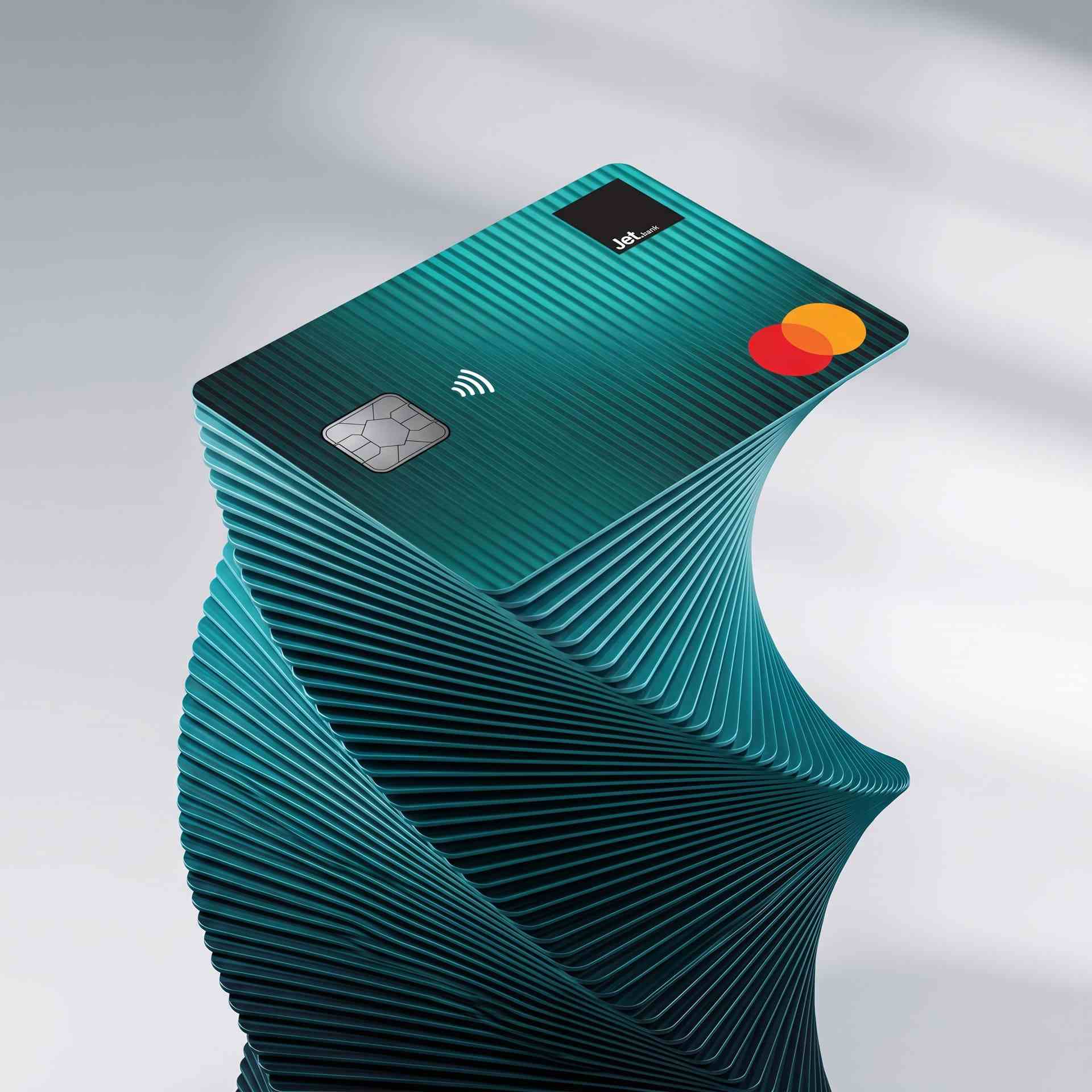
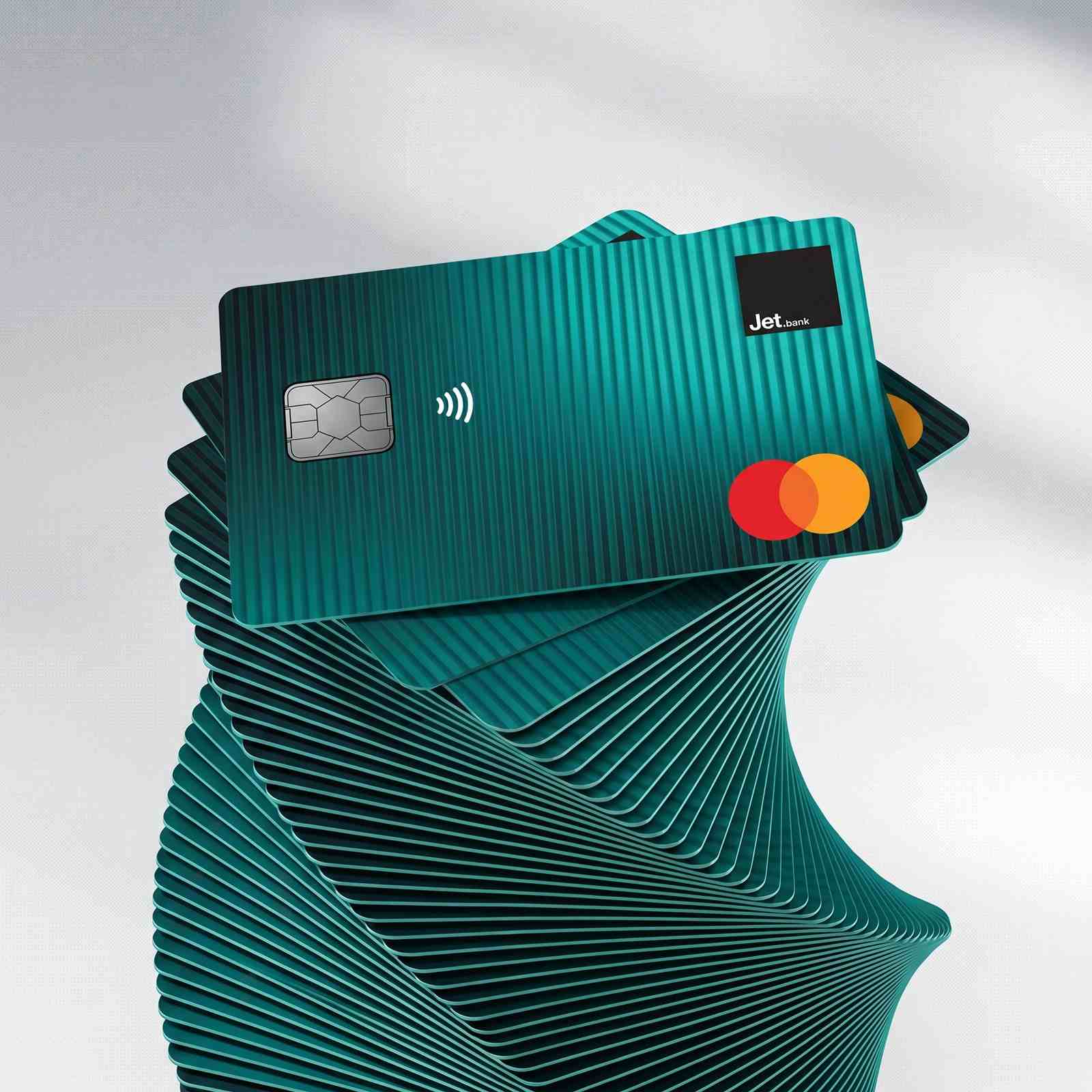
Jet Bank gives you full control over spending with cards for every moment.

Made for you
At home or abroad; full control in your hands.

Instant virtual cards
Go virtual with no issuance and no maintenance fee directly from your app. Link your card to Apple Pay or Google Pay and spend securely from your phone, instantly.

Free global payments
Use your Jet Bank Mastercard Debit Card for POS & online payments in Albania or anywhere in the world, just like you would at home.

Mobile payments
Leave your wallet at home. Add your Jet Bank Card to Apple Pay or Google Pay and spend safely, anywhere, through supported wallets.

5 free ATM uses/month
Get 5 free domestic ATM withdrawals per month at ATMs in Albania. Choose the currency of your card, whether it's in ALL or EUR.
Real-time notifications
Know the moment anything happens. Every payment triggers an instant alert so you're always on top of your finances in real time.

Global payments with Mastercard
Use your Jet Bank Mastercard for secure payments online and in stores, with worldwide acceptance and modern digital payment features.

Cards FAQs
Everything you need to know about spending with Jet Bank using our cards.
Yes. The Jet Bank Virtual Mastercard Debit Card has:
- no issuance fee;
- no maintenance fee;
- no PIN setup or PIN change fee in the app;
- no replacement fee.
You can open an account if you are an Albanian citizen or a foreign national from one of the countries included in the list, provided that your phone number can receive the one-time verification code via SMS.
After the Virtual Mastercard Debit Card is issued, you can activate it directly from the Jet Bank app.
To activate the card:
- open the Card Management section,
- select the Virtual Mastercard Debit Card
- click “Activate Now”
- Set your card PIN
-min.jpg)
Open your free Jet Bank account
100% online. Open in minutes and manage your everyday banking directly from your phone.


Start Your Jet Bank Journey
Complete the form below and we will help you get started with Jet Bank. We just need a few pieces of information and you are good to go.
 ALB
ALB
 ENG
ENG
