Open your free account with Jet Bank.
A revolutionary banking app where everything starts with technology. Manage your money, make payments, transfer funds, save, or take out a loan.

Your money. Your moves.
From everyday banking to bigger financial goals, discover smarter ways to manage, save, spend, and move your money with Jet Bank.

Personal Loan

SEPA Transfers
Build on Trust
Jet Bank’s technology is supported by partners with proven global experience and a reputation for excellence.
















Backed by Standards





























Open an account with Jet Bank
See how easy it is to open an account with Jet Bank. Follow the simple steps and get started directly from the app.

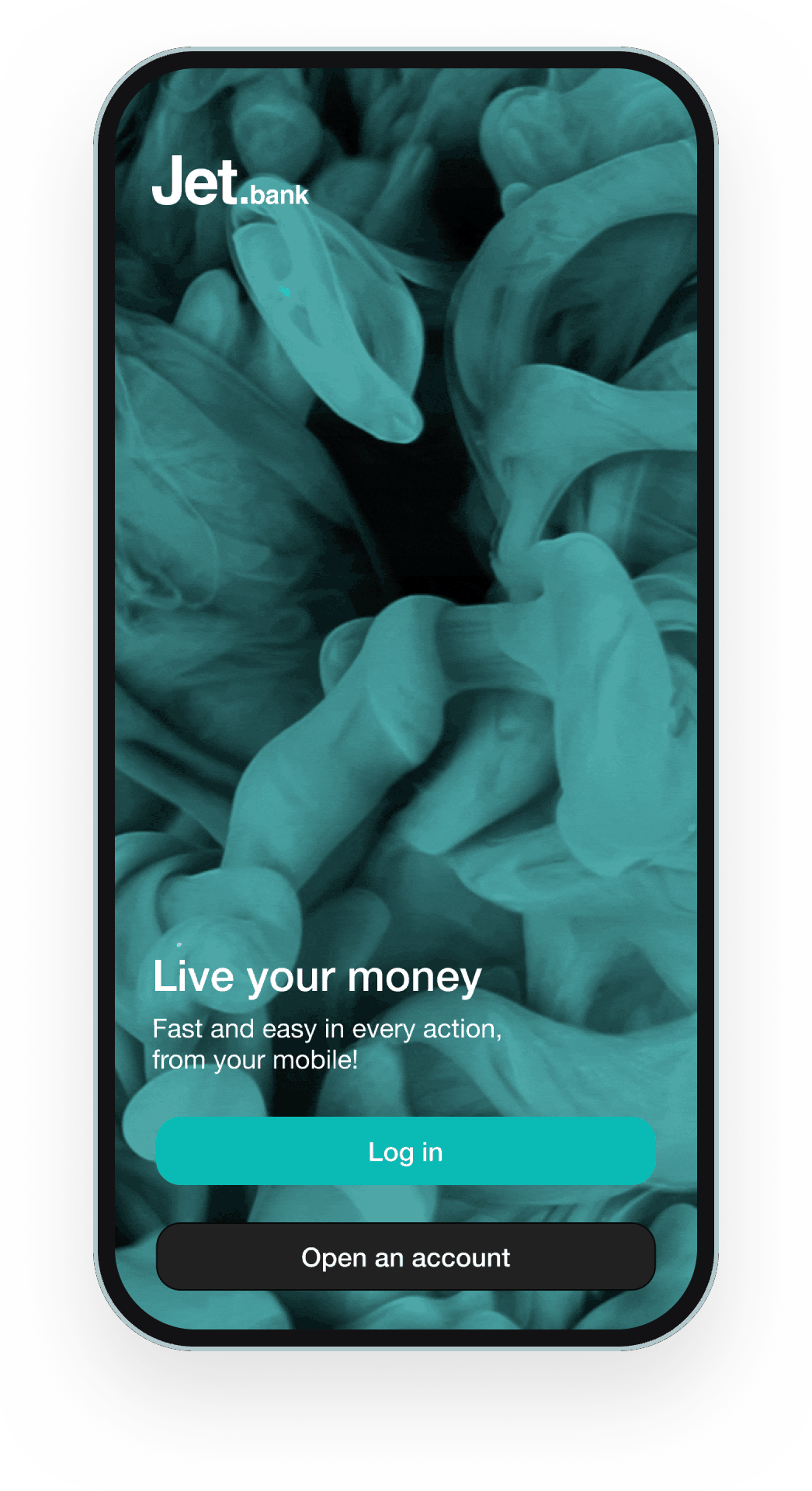
Choose “Open an account”
Download the Jet Bank app and choose “Open an account”.

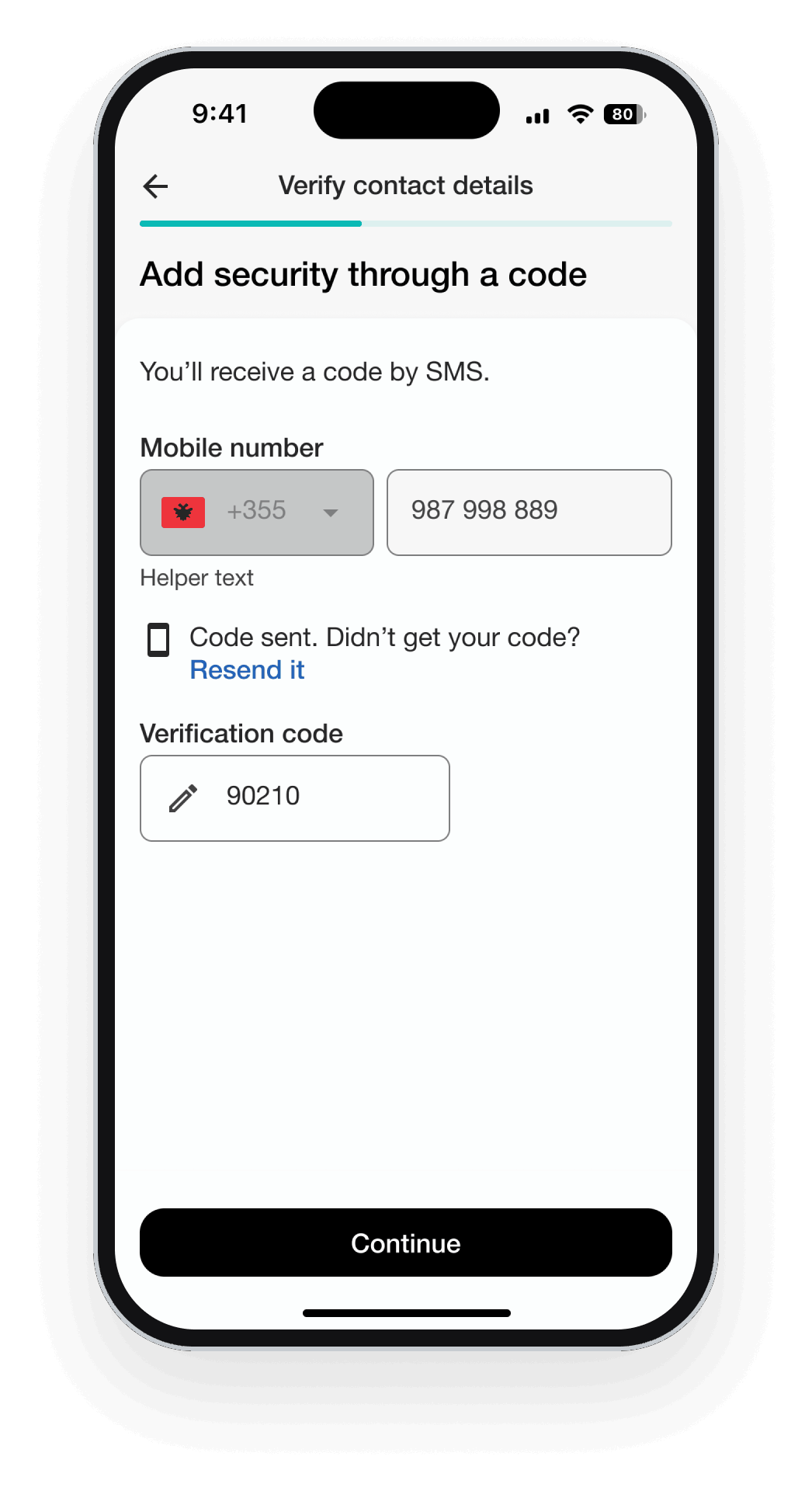
Verify your number by SMS
Enter your mobile number. You receive a code by SMS: enter it in the app to verify it.

Enter your details
First name, father’s name, last name, date of birth and email, without ë and ç (use e and c). Example: Perparim Cela. Then accept the Terms and Conditions.


Verify your ID and yourself
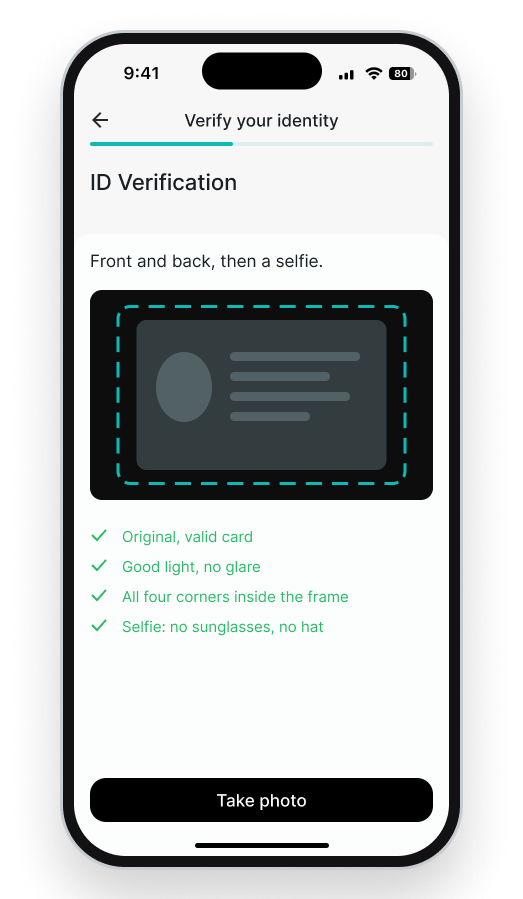
Take a photo of both sides of your ID card, then a selfie with the camera. The card must be original and valid, in good light, with no glare and all four corners inside the frame. For the selfie: no sunglasses and no hat.

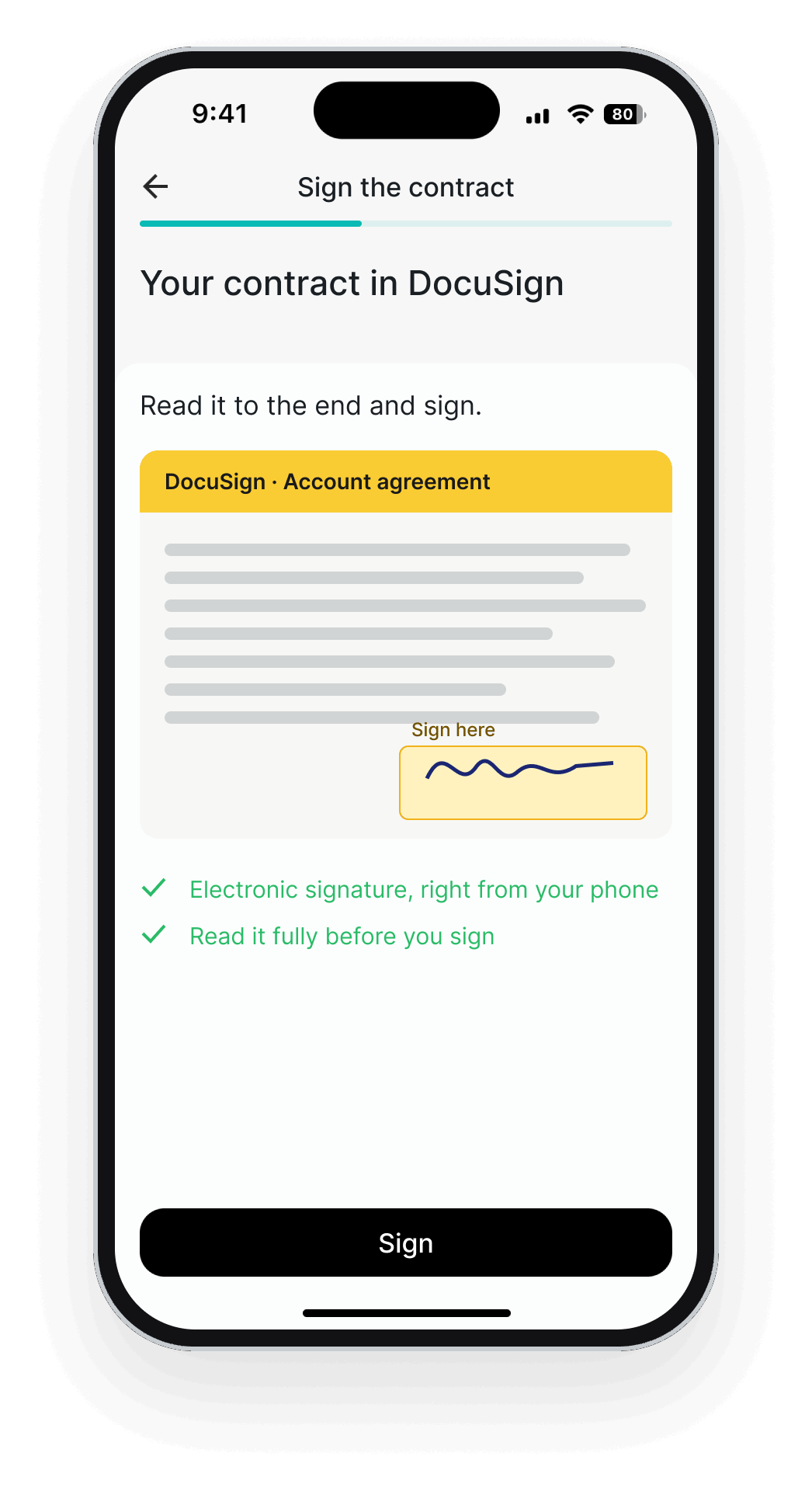
Sign the contract electronically
Your contract arrives in DocuSign. Read it and sign it electronically. To confirm, DocuSign sends you a code by SMS.

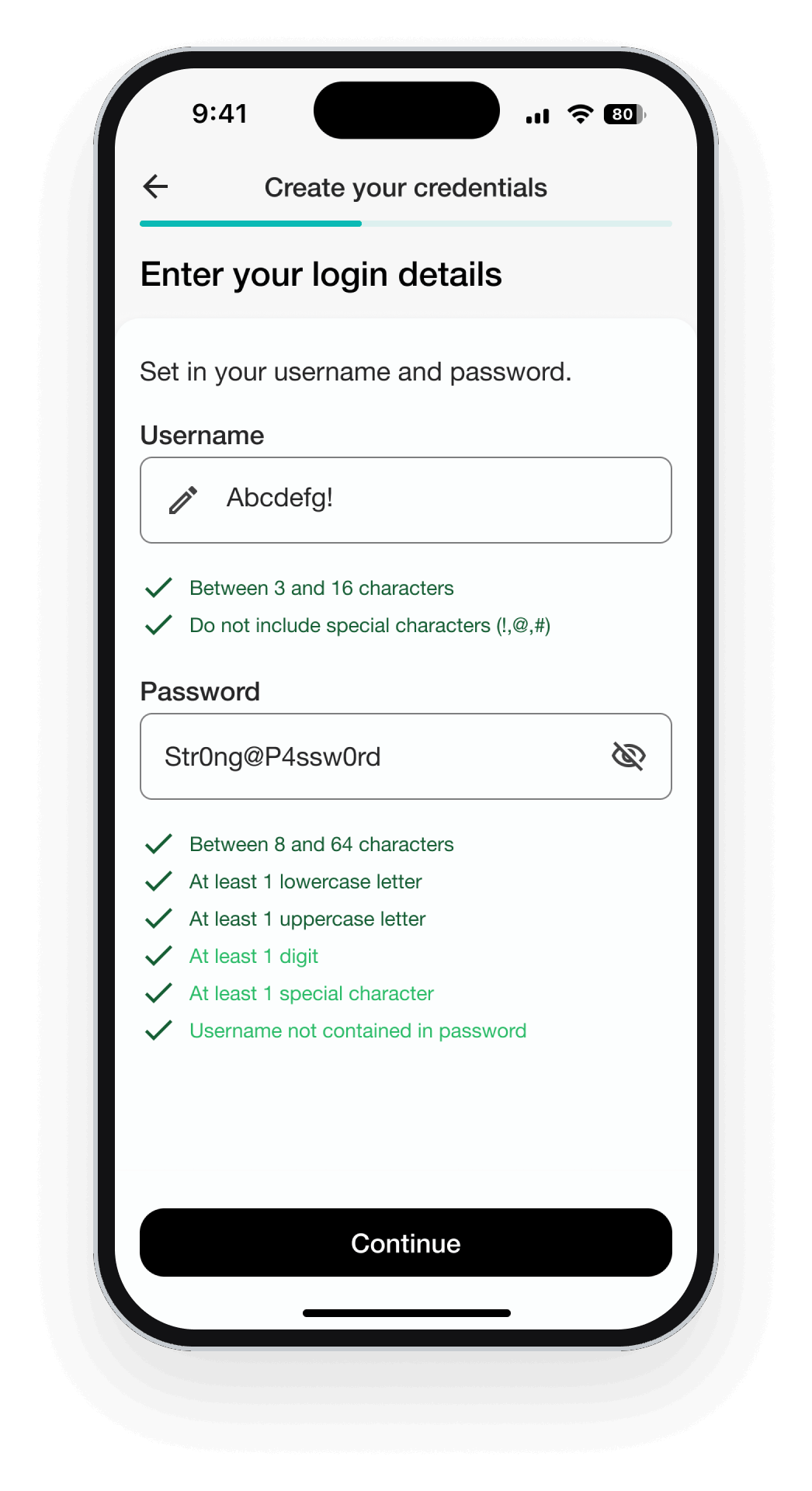
Create your username and password
You use them to log in every time. Username: 3–16 characters, no special characters. Password: 8–64 characters, with a lowercase letter, an uppercase letter, a digit and a special character.



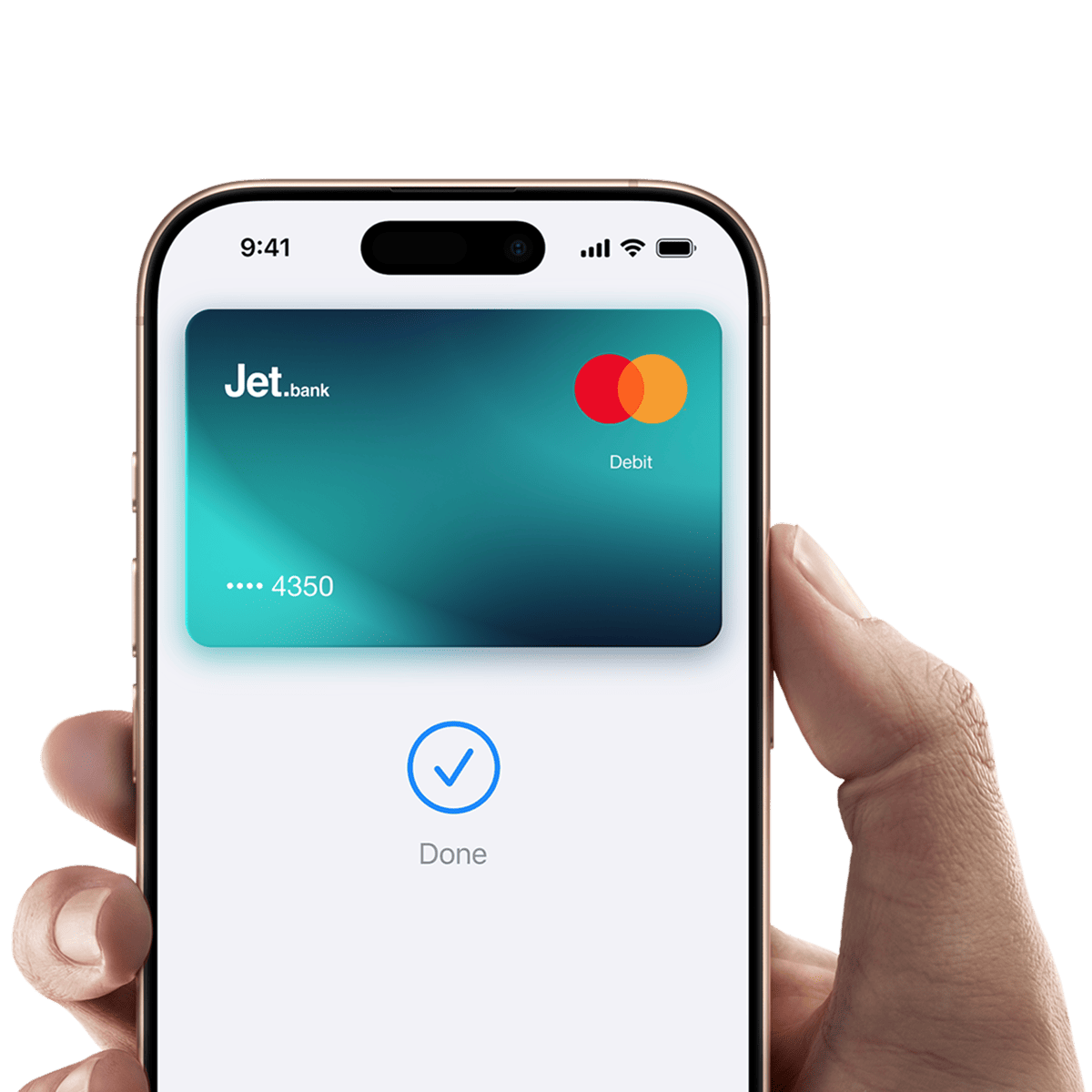


Your iPhone is now
your Jet Bank card.
on all your Apple devices.


Open your free Jet Bank account
100% online. Open in minutes and manage your everyday banking directly from your phone.



 ALB
 ENG
